
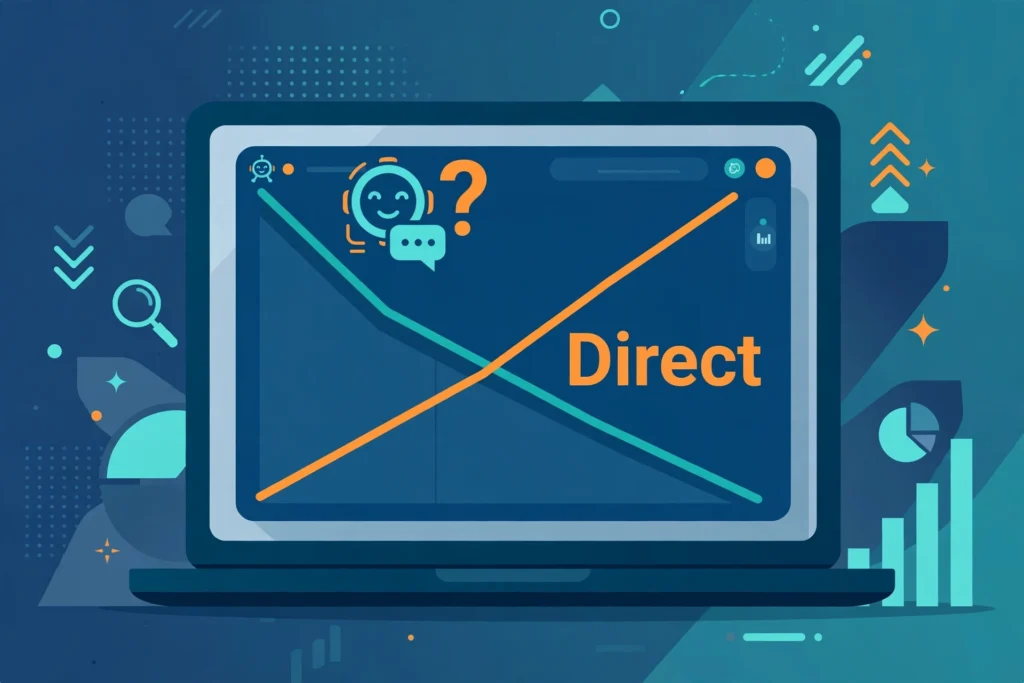
If your ChatGPT referrals in Google Analytics 4 fell off a cliff in the second week of October 2026, you didn’t lose that audience. For about a week, ChatGPT stopped telling analytics tools where its visitors came from — and GA4 quietly filed those visits under Direct.
This guide explains what happened between October 8 and 15, how to check whether your site was affected in about ten minutes, how to annotate the gap, and how to set up AI referral tracking so the next tagging change doesn’t wreck your reports again.
The short answer: a UTM bug, not a traffic drop
When someone clicks a link inside a ChatGPT answer, that visit can identify itself in two ways: the browser referrer (chatgpt.com) and a tag OpenAI adds to the link itself, utm_source=chatgpt.com. GA4 needs at least one of those signals. With neither, the session has no source and no medium — and GA4’s rule for Direct is literally source = (direct) and medium = (none). The visit still happened. It just lost its label.
That is what broke in October. GPT-6 rolled out to paid plans on October 7 and to Free and Go accounts on October 8, 2026, with a new answer format. Links inside those new answers started opening with no utm_source tag and, in many cases, with noreferrer — so no referrer either. Links in the sources panel kept their tag, which is why the drop was partial, not total.
The measured impact was large:
- Graphite’s Ethan Smith measured ChatGPT-attributed GA4 sessions falling 22% to 57% starting October 9, settling around a 45% drop on average.
- Adobe analyst Cedric Huesler tracked roughly 500 pages where ChatGPT normally drove at least 5% of visits. From October 9 to 13, ChatGPT visits fell by about 31,000 per day — while Direct rose by about 26,000 per day on the same pages.
- Perplexity and Claude referrals showed no break in the same period, and total traffic on the affected sites stayed roughly flat (around −2%), which points to a labelling change, not a demand change.
According to Huesler, OpenAI confirmed the missing tag was a bug on October 14, and a fix began rolling out early on October 15; tagged clicks were back to roughly 95% to 100% of normal that morning. OpenAI has not commented publicly, and ChatGPT still withholds the referrer on most clicks — the UTM tag does the work.
How to check your site in 10 minutes
You need two comparisons in GA4. Use the Traffic acquisition report and set the primary dimension to Session source / medium if you want the cleanest view.
Step 1: Compare the bug week with the week before
Compare October 8–14, 2026 with October 1–7, 2026. Look at sessions from chatgpt.com / referral (and any chatgpt.com source rows) and sessions from (direct) / (none) side by side.
Step 2: Add ChatGPT and Direct together
For each week, add your chatgpt.com sessions to your Direct sessions. If ChatGPT fell sharply while the combined total stayed roughly stable, the bug almost certainly moved those visits into Direct. If both fell, you may have a real traffic problem on top of the bug — keep investigating.
Step 3: Confirm the recovery after October 15
Check October 15–21 against the pre-bug baseline. ChatGPT sessions should be back near normal levels. If they are still near zero after October 15, your issue is different: check that your consent setup, tag configuration, or a recent site change isn’t stripping referrers or parameters. Our GA4 and Tag Manager conversion setup guide walks through a clean configuration to compare against.
Step 4: Check the landing pages, not just the totals
Filter the bug week to the pages that historically received ChatGPT visits — usually your deepest, most specific guides, not your homepage. A Direct spike concentrated on deep content pages is a strong fingerprint of mislabelled AI traffic. A Direct spike on your homepage, by contrast, is normal behaviour (typed URLs, bookmarks, apps that don’t pass referrers).
Step 5: Know when you can’t prove it
On a small site with a handful of AI visits per week, a shift this size disappears into normal Direct noise. If that’s you, don’t manufacture a conclusion — annotate the week (next section) and move on.
How to annotate and fix your October reports
You cannot retroactively reassign those Direct sessions to ChatGPT in GA4 — the source data wasn’t collected. What you can do is make sure nobody misreads the month later:
- Add a GA4 annotation for October 8–15, 2026: “ChatGPT UTM bug — AI referral sessions under-reported; equivalent volume appears in Direct. Fix rolled out Oct 15.” Annotations are the cheapest insurance against a future you (or a client) panicking over the same chart twice.
- Report ChatGPT + Direct together for October. In monthly reporting, show a combined line for the affected weeks with a footnote, rather than presenting a 40% “drop in AI traffic” that never happened.
- Do not change strategy based on that week. Don’t cut content that “stopped working” in AI search, don’t reallocate budget, and don’t judge any test that ran October 8–14 on source-level results. Leads attributed to ChatGPT also dipped that week in third-party networks for the same reason.
- Tell clients and stakeholders proactively. One sentence — “a confirmed tagging bug on OpenAI’s side moved a week of ChatGPT visits into Direct; total traffic was unaffected” — is far better than letting them find the dip first.
How to track AI traffic properly in GA4 from now on
The durable lesson isn’t the bug itself. It’s that a single tag you don’t control can redraw your channel report overnight. Set your measurement up so AI traffic is visible as its own line — and so the next break is obvious in a day, not a month.
1. Build a custom channel grouping for AI referrals
GA4’s default grouping buries AI assistants inside Referral, mixed with every random site that links to you. Create a custom channel grouping (Admin → Data display → Channel groups) with an “AI Referrals” channel defined by session source matching a regex such as:
chatgpt\.com|perplexity\.ai|claude\.ai|gemini\.google\.com|copilot\.microsoft\.com|chat\.openai\.com
Place it above the generic Referral channel so those sources are captured first. If you already use custom groupings, our GA4 channel grouping guide covers the ordering rules that make this work.
2. Keep a saved Exploration for AI sources
Build one free-form Exploration report filtered to AI sources, with landing page and conversions. Check it weekly. A sudden cliff in one source while total traffic holds steady is now a five-minute diagnosis, not a mystery — that pattern is exactly what exposed the October bug.
3. Track citations separately from clicks
Referral sessions measure clicks, not visibility. Your brand can be cited in ChatGPT answers just as often while reported clicks fall. Pair your GA4 view with a periodic check of where you’re cited in AI answers. This is the measurement side of optimizing for answer engines.
4. Make AI visits worth something when they land
AI-referred visitors tend to arrive deep, with a specific question — they are closer to a decision than a casual social click. Make sure those deep pages carry one clear next step, such as an email signup for the follow-up guide. A simple all-in-one tool like Systeme.io (affiliate link — I may earn a commission at no extra cost to you) handles the landing page and email follow-up in one place; I compare it in detail in my Systeme.io review. The point isn’t the tool — it’s that untracked, uncaptured AI traffic is doubly invisible.
5. Add a “how did you hear about us?” backstop
On your lead or checkout form, one optional field listing “ChatGPT / AI assistant” as an option gives you a signal that no tagging bug can take away. It’s low-volume and self-reported, but when click labels vanish, it’s often the only attribution left standing — a cheap complement to the model-based approaches in our advanced attribution guide.
What not to do
- Don’t “fix” it with redirects or tag hacks on your own site. The missing tag was on OpenAI’s links, not yours. Nothing in your Tag Manager caused this.
- Don’t delete or discount the Direct spike. Those were real people. Removing them understates your October traffic.
- Don’t assume every Direct increase is ChatGPT. Email apps, messaging apps, PDFs, and privacy browsers all feed Direct every day. Use the landing-page and timing checks above before attributing anything.
- Don’t expect the referrer to save you. Even after the fix, most ChatGPT clicks arrive without a referrer. The utm_source tag is the signal — which is precisely why its absence was so disruptive.
Bottom line
ChatGPT didn’t stop sending you visitors in October 2026. For about a week, it stopped labelling them. If your GA4 shows ChatGPT down and Direct up between October 8 and 15 with flat totals, annotate it, report the two together, and leave your strategy alone. Then spend the thirty minutes to build a proper AI Referrals channel and a saved AI report — so the next time a platform changes how it tags its links, it’s a footnote in your month, not a false alarm.
Affiliate disclosure: this article contains an affiliate link to Systeme.io, clearly marked where it appears. If you sign up through it, I may earn a commission at no additional cost to you. It does not affect the guidance above.